
Couples
The person you would choose again, even with a heartbeat missing.
A love story. Even at the end of the world.
Turn two photos into a 15-second zombie love story. You bring the familiar faces. We bring the action, atmosphere and music.
Start with two photos. Choose the setting, and let the reunion unfold.
Your story will appear here
A moment of fear. An embrace. A memory of love.
Your photos are sent only when you generate.
Two portraits. One unforgettable reunion. Explore three cinematic stories, brought to life as 15-second vertical videos.


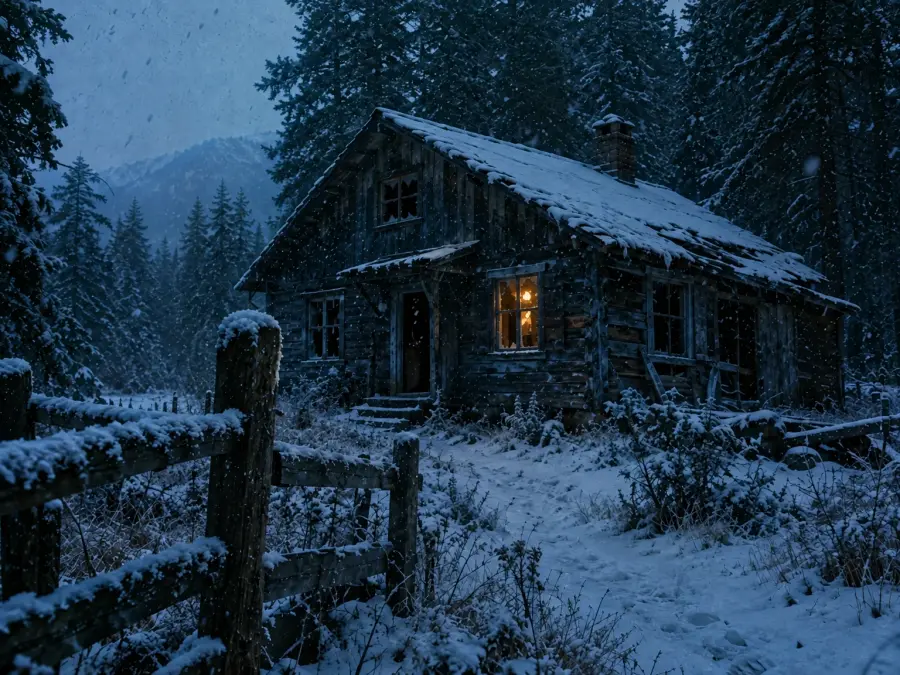
A girlfriend remembered in the snow
Winter cabin · 15s · 9:16
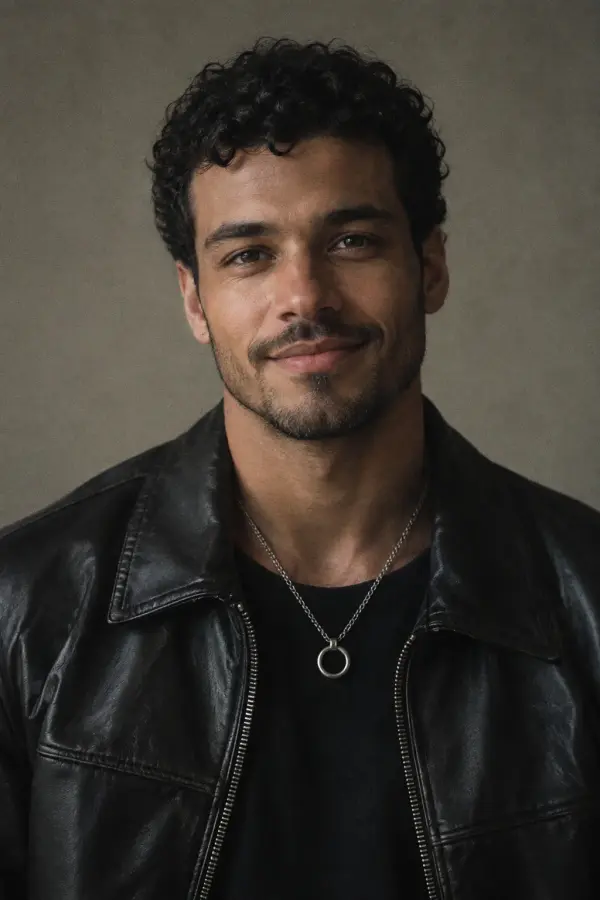
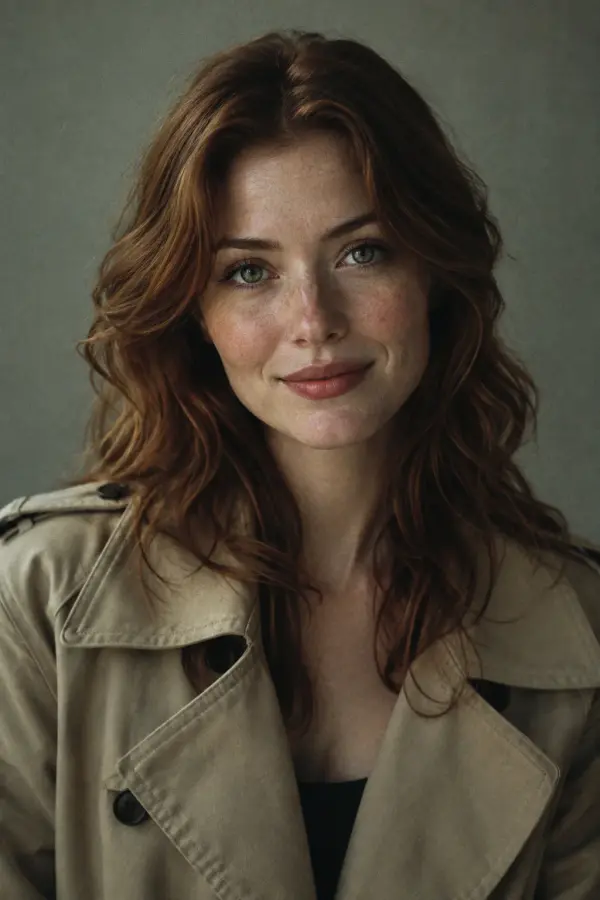
A husband found in the rain
Rainy city · 15s · 9:16
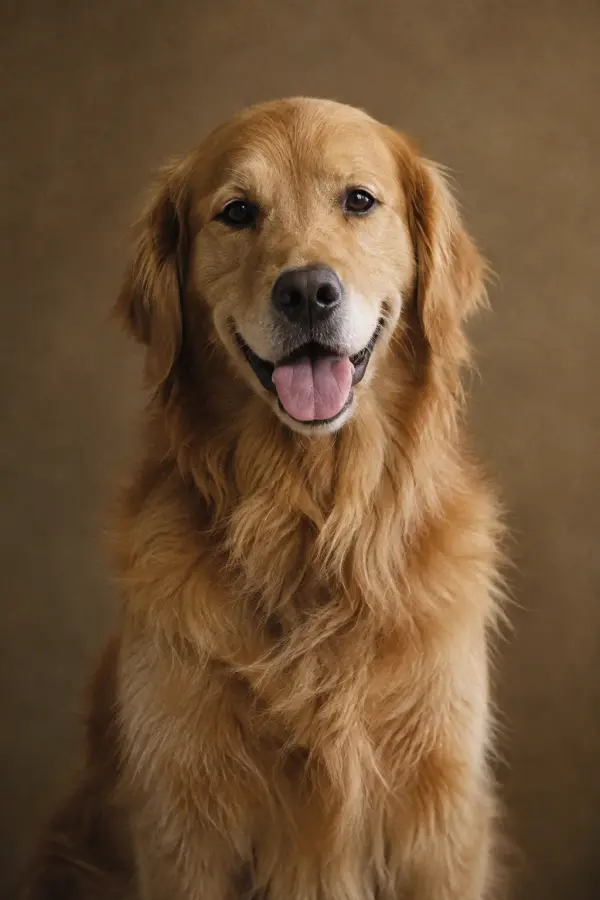

A golden retriever worth saving
Abandoned chapel · 15s · 9:16
Know what to bring, what you'll get and how your credits are used.
Two clear photos
One zombie-to-be and one survivor, with a clear face in each photo. JPEG, PNG or WebP, up to 8 MB per image.
15-second MP4
A 720p film with music and sound. Choose 9:16 vertical or 16:9 landscape and download the finished video from History.
Usually a few minutes
Rendering continues in the background. You can close the page and return to History; timing varies with the provider's queue.
20 credits per video
One-time packs start at $6.90, or subscribe from $9.90 a month. If generation fails, your credits are returned.
Bring the photos. We'll handle the action, atmosphere and music.
Upload a photo of your zombie-to-be and a photo of the survivor. Your zombie can be a person or a pet.
Choose Snowed-In Cabin, Rain-Soaked City or Ruined Chapel. Go vertical in 9:16, or cinematic in 16:9.
Use 20 credits to generate a 15-second video with music. Download your MP4 and share it on TikTok, Reels or Shorts.
Your 15-second film moves through five story beats, from a tense first encounter to a memory worth holding on to.
00:00
The survivor takes aim, then pauses. That silhouette feels familiar.
00:02
Pale eyes turn toward them. The face—and its little keepsake—are unmistakable.
00:06
The survivor lowers their guard, closes their eyes and opens their arms.
00:09
A sudden run becomes a leap. For a moment, time stands still.
00:10
The scene turns golden: a familiar embrace, a spin and shared laughter.
Turn familiar faces into a cinematic zombie love story. Bring two photos, choose your setting and let the story unfold—with music, atmosphere and a final moment of warmth. Your finished film is ready to download and share.
Cast a person or pet as the zombie, then add the survivor. Your own photos make the story personal.
Camera moves, lighting and the emotional arc come together for you. No prompts to draft or timeline to edit.
Create a 15-second, 720p video in 9:16 portrait or 16:9 landscape, with music and sound included.
We add no logo or watermark to your video, so your characters and their story stay front and center.
Download the MP4 to your device. Find your past creations together in History whenever you return.
Choose monthly credits for regular projects, or a one-time pack when inspiration strikes.
Generation runs in the background. Follow its progress in History while the provider works through its queue.
If generation cannot finish, the credits used for that video return to your balance automatically.
The emotional zombie-short format gives the apocalypse a personal turn. A partner, friend or pet appears changed, yet still familiar. The survivor hesitates, the distance closes, and a frightening encounter gives way to a reunion. A flashback then takes the story from a cold, ruined world to a memory worth keeping.
With AI Zombie, you bring the cast through two photos. Choose a scene and a screen format, and a prepared story prompt guides the video from first encounter to final memory. References can be people or pets, so you can begin with the faces you know.
Two image references guide faces, fur and distinguishing features throughout the scene.
A structured script carries the scene from tension and recognition to an embrace and a warm flashback.
Sound is generated with the video, adding music and atmosphere to the finished MP4.
Choose 9:16 for a vertical feed or 16:9 for a wider scene. Both produce a 15-second clip.
Turn your favorite people, and your favorite paws, into the heroes of a zombie love story.
The person you would choose again, even with a heartbeat missing.
A familiar face, a wagging tail, and one very unusual reunion.
Your partner in every bad idea. Now starring in the apocalypse.
Make an unforgettable reunion with the people who mean home to you.
Choose a plan for your next obsession, or grab credits whenever inspiration strikes. Every 15-second video uses 20 credits.
A little chaos goes a long way.
Billed $99.00 yearlySave 16%
24 videos per year · 480 credits
$4.13 per video
For your regularly scheduled weirdness.
Billed $249.00 yearlySave 16%
72 videos per year · 1440 credits
$3.46 per video
More ideas. More beautiful mayhem.
Billed $499.00 yearlySave 16%
240 videos per year · 4800 credits
$2.08 per video
Pay once, create at your own pace. Pack credits never expire.
One idea. One great first video.
1 videos · 20 credits
$6.90 per video
Room to experiment with a few ideas.
3 videos · 60 credits
$4.97 per video
A bigger batch for your next project.
10 videos · 200 credits
$3.99 per video
Prices in USD. Annual plans grant the full year's credits upfront, with no monthly credit resets.
Checking available payment methods…
AI Zombie turns two photos into a cinematic reunion: one character appears as a zombie, while the other is the survivor. Choose a setting and the AI builds a short story around recognition, a reunion and a happy memory.
Yes. Use a clear photo of your pet for the zombie character and a portrait of its owner for the survivor. A pet photo with a visible face and distinctive markings gives the model better reference details.
Sign in, add one photo for each character, then choose a scene and video orientation. Each generation uses 20 credits. After submitting, follow its status in your studio and download the MP4 when it is ready.
Upload two JPEG, PNG or WebP images, each no larger than 8 MB. You receive a 15-second MP4 at 720p with sound. Choose a vertical 9:16 video or a landscape 16:9 video before generating.
Each video uses 20 credits. Monthly plans cost $9.90, $24.90 or $49.90 for 40, 120 or 400 credits, valid for 31 days. Yearly plans cost $99, $249 or $499 for 480, 1,440 or 4,800 credits granted upfront, valid for 366 days. One-time packs cost $6.90, $14.90 or $39.90 for 20, 60 or 200 credits with no expiry. All prices are in USD.
Generation can take several minutes. The exact wait depends on the provider's queue and your request, so there is no fixed completion time. Your studio shows the task status; you can return later to check the result.
Choose a sharp image with one clearly visible face, good lighting and little obstruction. Avoid tiny subjects, heavy filters and large groups. For pets, pick a photo that clearly shows their face and markings.
Yes. The generated MP4 includes sound, created with the scene. The model determines the final soundtrack, including the music and atmosphere, so audio may differ between generations.
The scenes aim for an eerie, cinematic mood without graphic gore. The story focuses on recognition and an emotional reunion. The character still has a zombie appearance, and generated details can vary.
When a task is marked as failed, the 20 credits used for that attempt are returned to your balance. A task that is waiting or processing has not failed. This credit return does not reverse your subscription or credit-pack purchase.
The generator uses Seedance 2.5 through Fal. Your two reference images and the selected scene prompt are sent to that provider to create the video.
Your photos stay in your browser until you start generation. They are sent as inline image data for that request; AI Zombie does not save them as local files or database records, or publish them in a gallery. The AI provider processes the images, and its privacy terms govern processing and any retention.
Choose your cast. Find your world. Turn a familiar face into a film you will want to keep.
Create your story